Understanding the basics of HVAC service scheduling
At its core, HVAC service scheduling involves coordinating customer requests for maintenance, repairs, installations, or emergency services with the availability of skilled technicians and necessary equipment. For US-based HVAC companies, this process must comply with local regulations, such as those from the Environmental Protection Agency (EPA) on refrigerant handling, while prioritizing customer satisfaction and operational efficiency.
How HVAC scheduling works in practice
The HVAC scheduling process for companies typically begins with inbound customer inquiries via phone, email, website forms, or apps. Dispatchers assess the urgency—emergency AC breakdowns in summer heatwaves demand immediate attention—then match the job to a technician based on location, expertise, and availability. Tools like digital calendars or specialized software track these assignments, updating in real-time to avoid double-booking.
In a typical day, a small HVAC business might handle 10-20 service calls, while larger firms could manage hundreds. The goal is to balance reactive scheduling (e.g., urgent repairs) with proactive planning (e.g., routine maintenance contracts). According to industry reports from the Air Conditioning Contractors of America (ACCA), effective scheduling can improve job completion rates by up to 30%.
Intake phase: Log customer details, job type (e.g., furnace tune-up or duct cleaning), and preferred time slots.
Assignment phase: Assign to the nearest qualified technician, factoring in travel time and workload.
Confirmation phase: Send automated reminders to customers and technicians to minimize no-shows.
Follow-up phase: Update records post-job for invoicing, feedback, and future scheduling.
For further reading on industry standards, visit the ACCA website, which offers resources on best practices for HVAC operations.
Key components of an effective HVAC scheduling system
A robust system includes geographic mapping for route optimization, customer relationship management (CRM) integration for history tracking, and mobile apps for technicians to access schedules on the go. Without these, businesses risk fragmented communication and inefficient resource allocation.
Component | Description | Benefits |
|---|---|---|
Digital Calendar | Centralized view of all appointments | Reduces overbooking; easy rescheduling |
Dispatch Board | Real-time technician status updates | Improves response times for emergencies |
Customer Portal | Self-scheduling options for clients | Decreases inbound calls; enhances satisfaction |
Analytics Dashboard | Reports on utilization and performance | Identifies bottlenecks for continuous improvement |
Common challenges in HVAC scheduling and how to overcome them
Despite its importance, HVAC job scheduling often faces hurdles that can disrupt operations. US HVAC companies, especially in regions with extreme weather like the Midwest or Southwest, deal with seasonal spikes in demand, making consistent efficiency tough. Let’s examine these HVAC scheduling challenges and practical solutions.
Missed appointments and overbooking
Missed appointments cost businesses an estimated $100-$500 per incident in lost revenue and rescheduling efforts, per ServiceTitan industry data. Overbooking occurs when manual processes fail to account for job durations accurately, leading to technician frustration and customer dissatisfaction.
To reduce these issues:
Implement buffer times: Add 15-30 minutes between jobs for travel and unforeseen delays.
Use automated alerts: Send SMS or email confirmations 24 hours and 1 hour before appointments.
Track no-show patterns: Analyze data to identify chronic offenders and require deposits for reschedules.
Best way to schedule HVAC service calls? Prioritize based on job value and urgency-high-revenue installations first, routine checks later.
Technician downtime and underutilization
Technician downtime—periods when skilled workers are idle—wastes payroll and opportunities. Inefficient HVAC field service scheduling can lead to 20-30% idle time, according to a study by the Sheet Metal and Air Conditioning Contractors’ National Association (SMACNA).
Solutions include:
Load balancing: Distribute jobs evenly across the team using algorithms in HVAC scheduling software.
Cross-training: Train technicians on multiple services to fill gaps during slow periods.
Preventive scheduling: Book maintenance slots in advance to maintain steady workflow year-round.
For official guidelines on workforce management, refer to the SMACNA resources.
To better understand the financial impact of technician downtime and optimize labor costs, it's essential to know the average salary for HVAC technicians in the US. Factors like experience, location, certifications, and regional demand play a big role in these wages, and having this insight helps you evaluate how much idle time truly costs your business. For a detailed breakdown of current salary ranges and influencing factors, check out our dedicated guide.
Handling last-minute changes and emergencies
Weather events or equipment failures trigger sudden service requests, complicating HVAC appointment scheduling. Without flexibility, companies lose trust.
Best practices:
Reserve emergency slots: Block 20% of daily capacity for urgent calls.
Real-time updates: Use cloud-based tools for instant rescheduling notifications.
Contingency planning: Maintain an on-call rotation to cover peaks without burnout.
The role of scheduling software in efficient HVAC service management
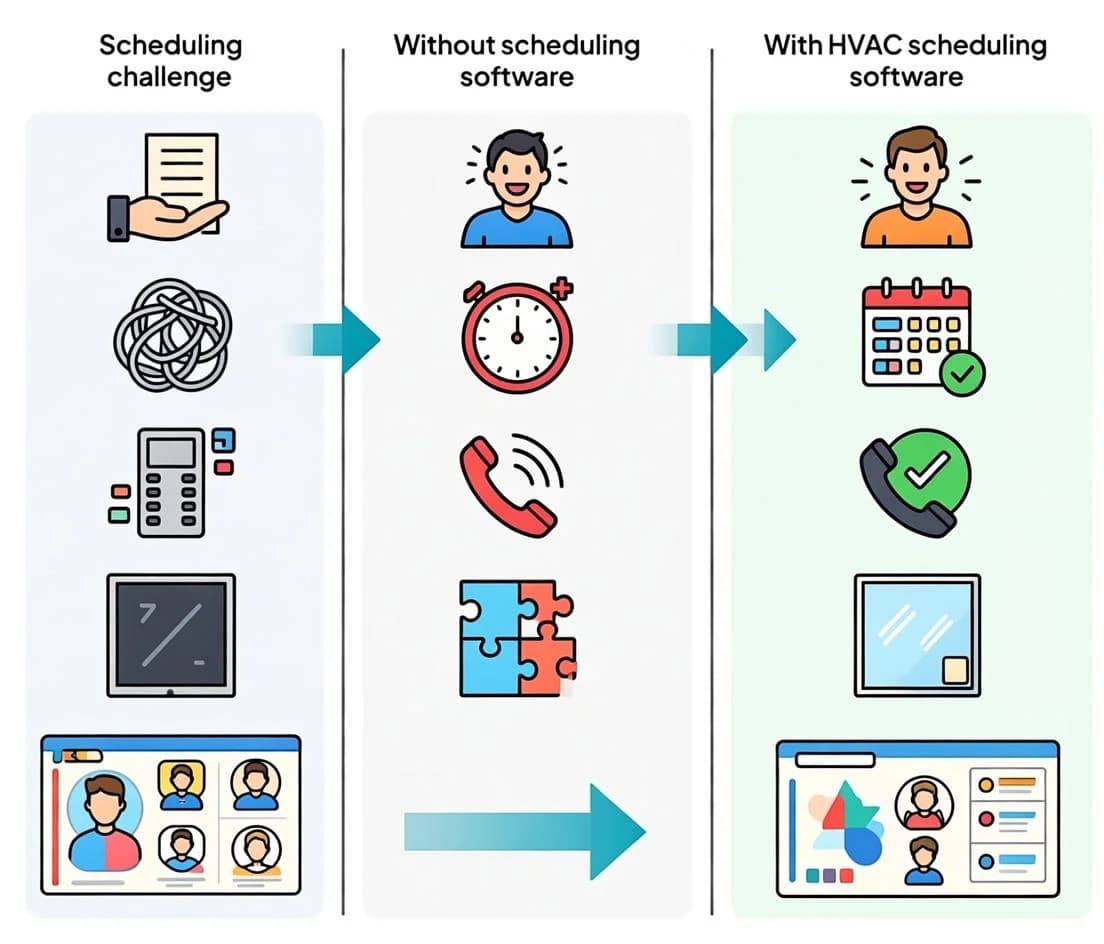
Efficient HVAC service scheduling is not just about assigning technicians to jobs – it requires visibility, coordination, and the ability to adapt in real time. As HVAC businesses grow and handle a higher volume of service calls, manual scheduling methods become increasingly inefficient, often resulting in delays, double bookings, and missed appointments. For this reason, scheduling software has become a foundational component of modern HVAC service management.
Field service scheduling software helps HVAC companies centralize job information, technician availability, service locations, and customer details in a single system. This creates a clear operational overview and allows dispatchers and managers to make faster, more accurate scheduling decisions. When scheduling tools are combined with strong internal processes, HVAC teams can maintain service consistency while scaling their operations.
Scheduling challenge | Without scheduling software | With HVAC scheduling software |
|---|---|---|
Technician availability | Tracked manually or across multiple systems | Centralized, real-time availability in one platform |
Job assignments | Time-consuming and prone to conflicts | Automated or optimized based on location and workload |
Schedule changes | Difficult to adjust without disrupting the day | Real-time updates and flexible rescheduling |
Customer communication | Manual calls and follow-ups | Automated notifications and status updates |
Daily visibility | Limited overview of jobs and technicians | Full, real-time view of all scheduled service calls |
By providing real-time visibility and centralized control, scheduling software reduces operational friction and helps HVAC businesses deliver more reliable service. For example, HVAC scheduling tools like Workiz are built specifically for service businesses and combine scheduling, dispatching, technician management, and customer communication in one platform. This allows HVAC teams to improve efficiency without adding unnecessary complexity to their workflows.
Using HVAC scheduling software in day-to-day operations
In day-to-day HVAC operations, scheduling software helps teams turn planning into execution without adding unnecessary complexity. Instead of managing technician availability, job details, and customer communication across disconnected tools, HVAC businesses can rely on a single system to coordinate daily service calls more effectively. This approach reduces scheduling conflicts, improves response times, and gives both dispatchers and technicians clear visibility into their workday.
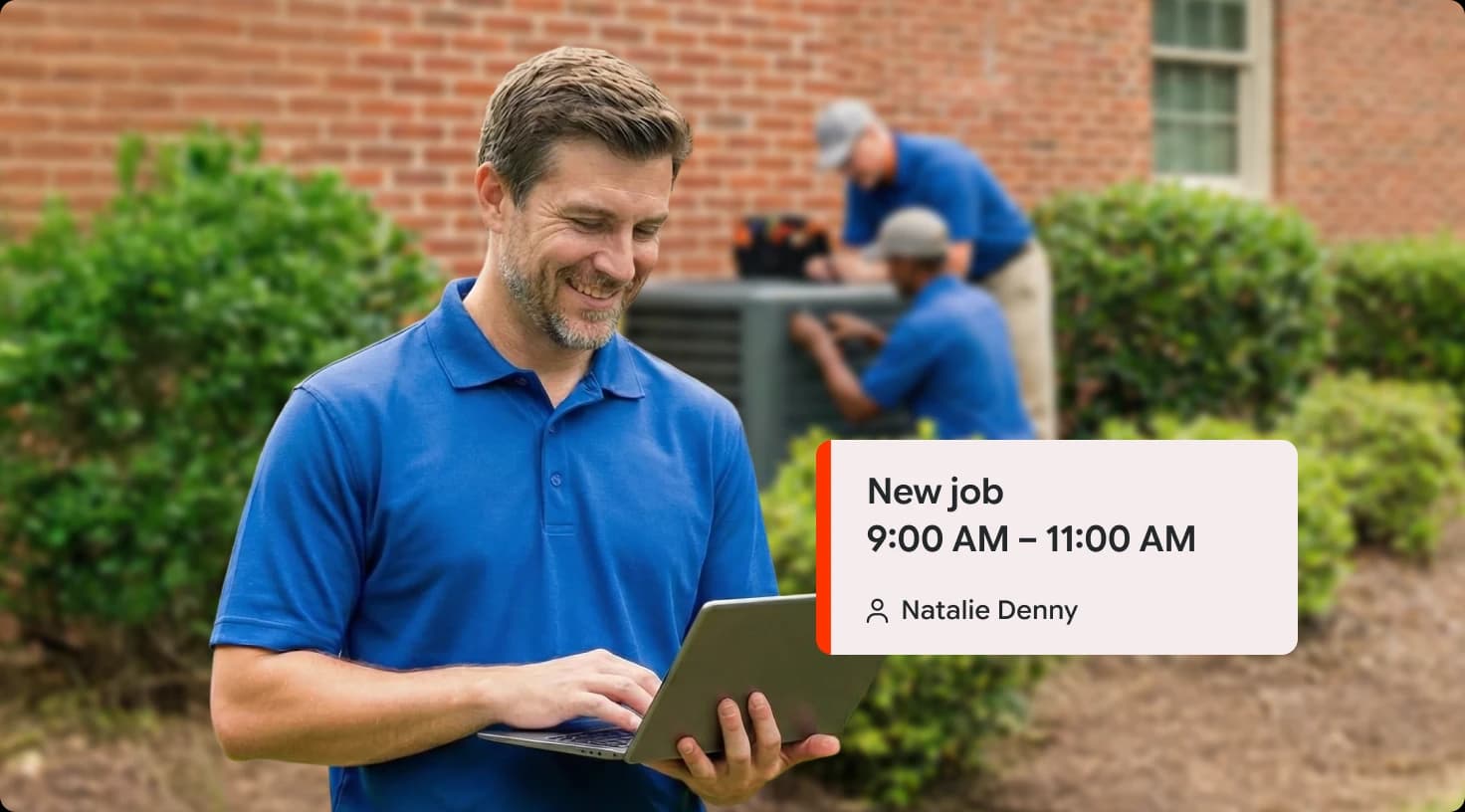
For example, Workiz, an HVAC scheduling software platform built for service businesses, helps teams manage job assignments, technician availability, real-time updates, and customer notifications from one centralized system. By supporting these core scheduling workflows, tools like Workiz enable HVAC companies to operate more efficiently while maintaining consistent service quality as their business grows.

Best practices for HVAC scheduling efficiency
Successful US HVAC companies like those in the ACCA network swear by structured approaches to HVAC scheduling best practices. These methods focus on technology integration, team collaboration, and data-driven decisions to enhance overall performance.
Adopting HVAC scheduling software
HVAC scheduling software transforms manual chaos into automated precision. For small businesses, options like affordable cloud platforms offer features such as drag-and-drop calendars, GPS tracking, and invoicing integration without steep learning curves.
Key benefits include:
Centralized data: All stakeholders access the same info, reducing errors.
Route optimization: Algorithms minimize travel time, saving fuel and hours.
Scalability: Grows with your business from 5 to 50 technicians.
When selecting HVAC scheduling and dispatch software, prioritize user-friendly interfaces and mobile compatibility. Free trials from providers can help test fit—avoid vendor lock-in by choosing open APIs.
Software feature | Impact on ffficiency | Example use case |
|---|---|---|
Automated Dispatching | 20% faster assignment | Routing emergency calls to nearest tech |
Job History Tracking | Improved upsell opportunities | Reminding customers of due maintenance |
Performance Metrics | Better resource allocation | Identifying top performers for bonuses |
Explore more on software standards via the EPA’s HVAC guidelines, which emphasize accurate record-keeping.
Optimizing for multiple technicians
HVAC scheduling for multiple technicians requires zoning—dividing service areas into regions to cut commute times. In urban hubs like Chicago or Houston, this can save 15-25% in daily travel.
Steps to implement:
Geofencing: Use GPS to auto-assign jobs within a tech’s zone.
Skill matching: Tag technicians by certifications (e.g., NATE-certified for complex installs).
Daily huddles: Morning briefings to review schedules and adjust for changes.
Streamlining the daily workflow
A seamless HVAC scheduling process for companies integrates front-office (customer intake) with back-office (billing) functions. Encourage technicians to log job completions via apps immediately, triggering customer notifications and payments.
Additional tips:
Seasonal planning: Forecast demand using historical data—ramp up hiring for summer AC surges.
Customer communication: Offer transparent ETAs to build loyalty.
Feedback loops: Post-job surveys to refine scheduling accuracy.
Looking for a complete software solution for your HVAC business?
As HVAC companies scale, scheduling alone is not enough to keep operations running smoothly. Growing teams need a unified platform that connects scheduling, dispatching, customer communication, payments, and technician management in one place.
Workiz is an all in one field service management software designed specifically for HVAC businesses, helping teams reduce administrative workload, improve response times, and deliver a more consistent customer experience across every service call.
With Workiz, HVAC businesses can:
Manage scheduling and dispatching from a single centralized dashboard
Track technician availability, locations, and job status in real time
Automate customer notifications, reminders, and follow ups
Create and manage estimates, invoices, and payments seamlessly
Maintain detailed customer records and service history
Improve technician productivity with mobile friendly tools
Gain visibility into performance with built in reporting and analytics
Ready to streamline scheduling and run your HVAC business more efficiently? Explore how Workiz can support your operations at contact us.
Advanced strategies for managing HVAC service scheduling
Beyond basics, forward-thinking HVAC businesses leverage data analytics and automation for next-level efficiency. This section covers how to manage HVAC service scheduling efficiently in dynamic environments.
Integrating CRM and inventory management
Linking HVAC scheduling software with CRM systems like those from Salesforce or HubSpot allows for personalized service reminders, reducing reactive calls by 40%. Pair this with inventory tracking to ensure technicians have parts on hand, avoiding return trips.
Implementation checklist:
Sync customer databases for seamless history access.
Automate parts ordering based on scheduled jobs.
Monitor stock levels to prevent delays.
Training and team empowerment
Empower dispatchers and technicians with training on software tools. Role-playing scenarios for last-minute changes builds resilience. US companies often use ACCA’s training programs to upskill staff, leading to 15% higher on-time completion rates.
For training resources, check the ACCA Professional Development page.
Measuring success and continuous improvement
Track KPIs like first-time fix rate, technician utilization (aim for 75-85%), and customer satisfaction scores. Use dashboards in your HVAC dispatch scheduling tools to spot trends—e.g., if downtown jobs run long, adjust buffers.
KPI | Target | Measurement tool |
|---|---|---|
Appointment adherence | 95% | Scheduling software reports |
Average job completion time | Under 2 hours | Technician mobile logs |
Customer NPS score | 80+ | Post-service surveys |
Conclusion: Building a future-proof HVAC scheduling system
Managing HVAC service scheduling efficiently isn’t just about filling calendars – it’s about creating a responsive, customer-centric operation that drives growth. By understanding the practical workings of HVAC scheduling, tackling challenges like overbooking and downtime, and adopting best practices such as HVAC scheduling software and multi-technician optimization, US businesses can achieve remarkable efficiency gains.
Key takeaways include implementing buffer times to cut missed appointments, using real-time tools for last-minute adjustments, and leveraging data for ongoing refinement. As technology evolves with AI-driven predictions and IoT integrations for predictive maintenance, HVAC companies that invest in robust scheduling now will thrive in the coming years.
Start small: Audit your current process, trial a scheduling tool suited for small businesses, and train your team. The result? Happier customers, busier technicians, and a more profitable bottom line. For more insights, explore resources from leading industry bodies like ACCA and SMACNA to stay ahead in HVAC scheduling efficiency.