
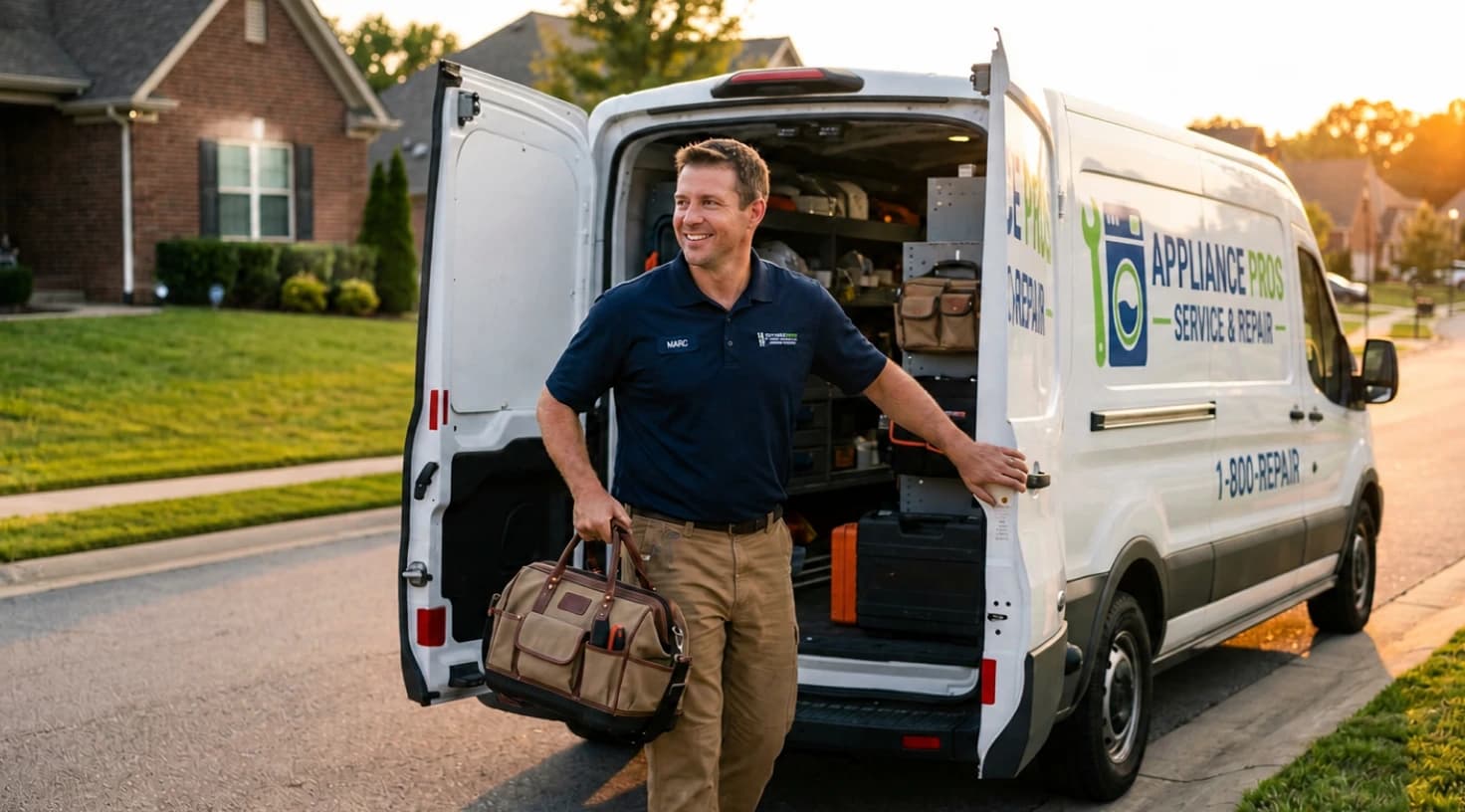

Understanding efficient job tracking in appliance repair
Efficient tracking serves as the nervous system of any professional repair operation. Specifically, it connects your office staff with the field in real-time, ensuring that every service call moves smoothly from start to finish. Without this visibility, expanding service operations often struggle to manage their daily workload.
What does efficient tracking look like?
In real-world operations, efficient tracking transforms chaos into a streamlined dashboard. Instead of relying on constant phone check-ins, owners can see the status of every job at a glance. To understand this bette r, look at the three pillars of a modern tracking system:
Furthermore, consider a typical day for a team of four technicians. While one diagnoses a faulty refrigerator, another installs a new washer. At the same time, the rest of your growing team handles complex follow-ups. Without digital tools, these moving parts often clash, leading to double-bookings during peak hours—like holiday surges when ovens and dryers break down simultaneously.
The challenges of manual tracking
Many small appliance repair shops start with manual methods—calendars, spreadsheets, or even paper logs. While these work for solo operators, they crumble under the weight of multi-technician crews. Specifically, missed appointments skyrocket because updates aren't instantaneous. For instance, a technician finishing early can't easily grab the next job if the owner isn't immediately available. Furthermore, inventory mismatches become common, with techs showing up without the right gasket or circuit board, delaying repairs and frustrating customers.
Statistics from industry reports highlight the stakes: service businesses lose up to 20% of potential revenue due to poor scheduling and tracking. Consequently, for US-based owners, where competition is fierce in urban areas like New York or Los Angeles, adopting digital solutions for service dispatching is key to staying ahead.
Manual tracking creates three primary obstacles for a growing team:
Visibility Gaps: Owners can't see real-time progress, leading to overstaffing or idle time.
Communication Breakdowns: Delayed updates mean customers get vague ETAs.
Inventory Woes: Without integrated tracking, parts on trucks don't align with job needs.
Consequently, these visibility gaps lead to high avoidable dispatch rates, where trucks roll out for jobs that could have been handled more efficiently or avoided entirely.
To understand the impact of these percentages on your bottom line, consider how poor tracking and manual dispatching drain your resources:
Billing inefficiencies: Field service operations lose 5–15% of annual revenue purely due to administrative errors and manual tracking gaps.
Unnecessary travel: 14% of all service visits are unnecessary truck rolls. Essentially, this means 1 in every 7 visits you could have avoided with better visibility.
Performance gap: Lower-performing teams suffer from 24% avoidable dispatch rates, whereas top performers reduce this to just 3% by adopting digital solutions for service dispatching.
Ultimately, these numbers prove that manual tracking is not just a nuisance—it is a direct drain on your profitability. By closing these visibility gaps, you can reclaim lost hours and ensure that every truck roll contributes to your revenue rather than your overhead.
Key features of appliance repair business software for job tracking
Selecting the right software requires a focus on features that directly impact your daily operations. Specifically, you need tools that bridge the gap between office dispatchers and field technicians. By prioritizing automation and real-time data, expanding service operations can eliminate the manual errors that typically stall growth.
Real-time status updates and workflow automation
At the heart of efficient tracking are features that automate status changes. Consequently, this reduces manual input and minimizes human error. When a technician accepts a job via a mobile app, the status automatically flips from "scheduled" to "assigned." Furthermore, once the technician arrives on-site, GPS confirms their location, allowing the system to log the start time and push technical updates like "diagnosis complete" or "parts needed" without manual entry.
How to implement this effectively:
Map your internal workflow: Start by defining clear stages such as intake, dispatch, service, and close-out. This ensures your software reflects the actual movement of a job.
Set up automated triggers: Ensure your software triggers specific actions based on these stages. For instance, when a status changes to “en route,” the system should automatically email or text the customer an arrival alert.
For expanding service operations, this automation prevents costly bottlenecks. If one technician hits a snag, the system can reassign jobs dynamically to keep the schedule on track. In practice, this results in fewer missed appointments and allows technicians to focus on repairs rather than administration. Ultimately, owners gain peace of mind knowing the system handles the heavy lifting of job monitoring.
GPS tracking and route optimization
GPS integration acts as a game-changer for visibility into technician progress. Specifically, real-time location data shows exactly where your team is, overlaid on a map with job pins. Instead of just monitoring staff, this feature serves the practical purpose of optimizing routes in sprawling US cities. As a result, you can avoid traffic snarls that might turn a 20-minute drive into an hour.
Step-by-step guide:
Integrate GPS with dispatching Auto-suggest routes based on technician availability and location.
Visualize overlaps Use map overlays during peak hours to prevent double-bookings.
Link check-ins to stock Ensure technicians confirm they have the necessary parts before departing for a site.
For expanding businesses, this feature scales effortlessly. Consequently, your technicians can cover more ground without creating chaos, which significantly improves customer trust.
Client communication tools
Integrated communication ensures that efficient tracking extends directly to your customers. Specifically, providing clients with real-time updates builds professional transparency and long-term loyalty. By keeping homeowners informed throughout the repair process, you protect your brand reputation and ensure a smoother service experience from start to finish.
Key implementation tips:
Customize your messaging templates: Align all automated alerts with your brand voice. Furthermore, ensure your messages comply with US privacy laws like the TCPA. This professional touch protects your business while keeping clients informed.
Streamline inquiry routing: For multi-tech crews, route customer replies directly to the assigned technician's app. Consequently, your team can provide timely responses without the office acting as a middleman.
Why it matters: In the appliance repair industry, equipment downtime affects daily life. Ultimately, clear and proactive communication turns a stressful repair into a smooth service experience. This professionalism ensures that one-time fixes turn into repeat business.
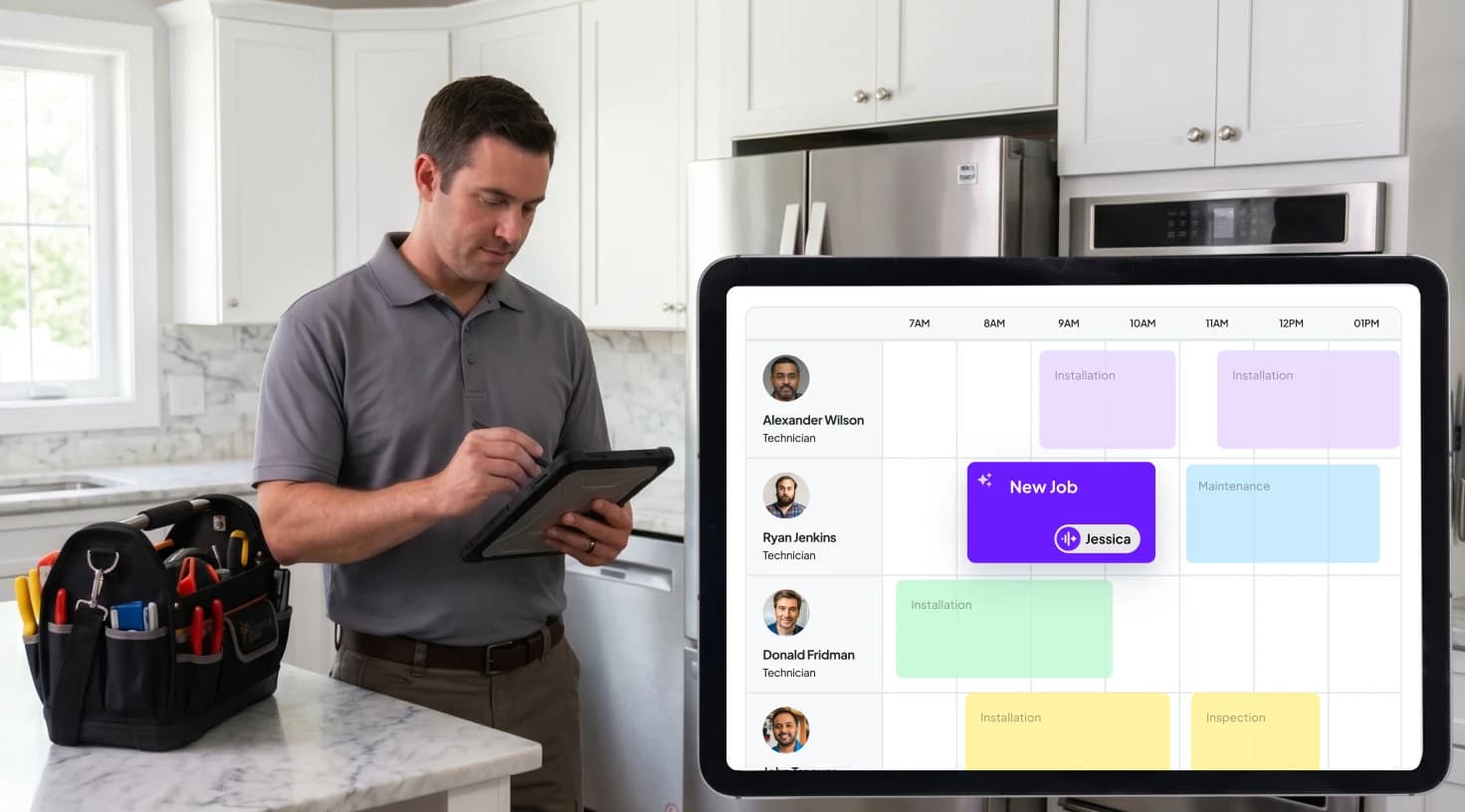
How software improves visibility into job statuses
A robust dashboard acts as the nerve center, allowing owners to supervise multiple jobs simultaneously without making a single call. Specifically, for managers of expanding service operations, this visibility helps in spotting critical trends and bottlenecks before they affect the bottom line.
Centralized dashboards for owners and managers
Real-world application: During a busy morning, you can glance at the dashboard to see if a technician is ahead of schedule. Consequently, you can dispatch an urgent dryer repair to them instead of waiting for a call. This visibility prevents costly idle time and maximizes your billable hours.
Feature | Benefit for Visibility | Example in Appliance Repair |
Technician timelines | Progress tracking per job | Monitor washer installation phases |
Alert system | Notifications for delays | Alert if fridge diagnostic overruns |
Integrating with mobile apps for technicians
Mobile apps empower technicians to update statuses on the go while feeding data back to the central system. Furthermore, features like photo uploads for before and after shots enhance accuracy. For teams managing field service inventory, apps can scan parts to confirm that truck stock matches specific job requirements.
How-to guide:
Train your team: Focus on app navigation, including how to clock in or out and attach invoices.
Request parts digitally: Show technicians how to use the app to request inventory from the field.
This two-way sync ensures that owners see comprehensive job histories. As a result, this data aids in performance reviews and helps resolve potential billing disputes. In a scaling business, this integration reduces administrative overhead by up to 50%. Ultimately, it frees managers to focus on expansion rather than micromanagement.
Best software for managing service technicians
Managing a multi-tech crew requires software that handles assignments intelligently. Specifically, drag-and-drop scheduling boards let you assign jobs based on skills. For instance, you can send a specialist for complex dishwasher electronics while avoiding overloads.
Assigning and monitoring multiple technicians
Practical steps: Use skill tags to match technicians to specific jobs, such as routing a microwave repair to an RF expert. Furthermore, monitor progress via integrated calendars that flag conflicts. This ensures no double-bookings occur during peak appliance failure seasons like summer AC crossovers.
Performance analytics and reporting
Advanced software offers analytics on technician performance, including jobs completed per day, average time per repair, and customer ratings. For instance, this data informs training needs if a technician struggles with inventory checks.
Implement this by setting KPIs: Track on-time arrivals with a target of 95% and monitor parts usage efficiency. Reports can be exported for business planning to show how tracking improvements correlate with revenue growth.
Ultimately, for US businesses where labor costs are a major expense, these insights drive long-term profitability.
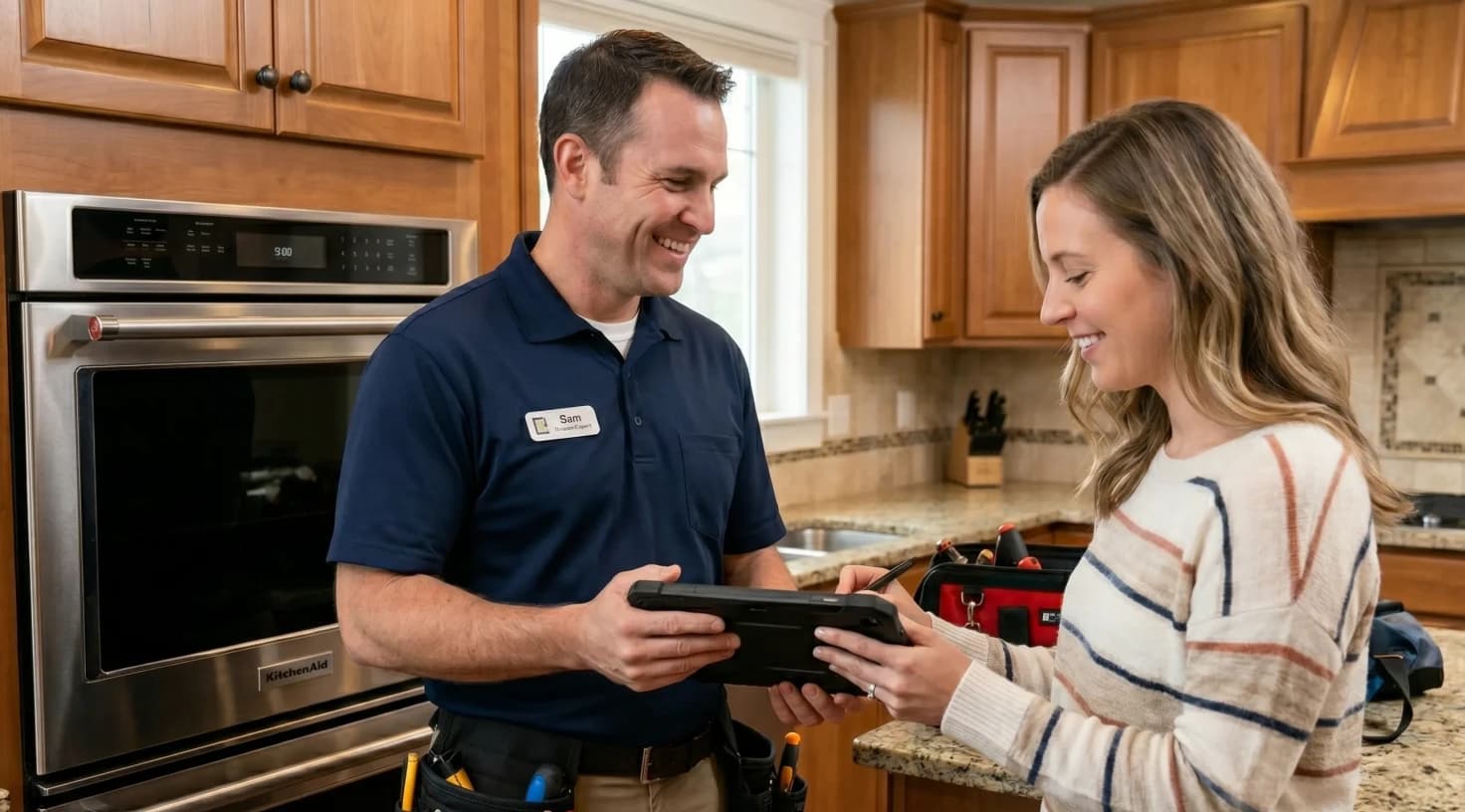
Reducing missed appointments through efficient tracking
Missed appointments cost appliance repair businesses dearly. Fortunately, software counters these issues with automated reminders. You can set up SMS confirmations upon booking, voice calls the day before, and push notifications when a technician is en route.
Automated reminders and confirmation systems
How-to guide: Set up multi-channel alerts and ensure customers confirm via reply. For technicians, geofencing triggers arrival notifications. Specifically, the system auto-updates job statuses if a tech is within 100 yards of the site. In practice, this can cut no-shows by 30%.
Handling cancellations and rescheduling
When a customer cancels last-minute, professional software shines by instantly freeing slots and reassigning tasks. Consequently, you can drag jobs to available technicians and notify all parties seamlessly.
For expanding service operations, this fluidity prevents costly downtime. For instance, a canceled fridge repair can pivot to an open dryer slot. This maintains momentum during peak hours and ensures your multi-tech crew stays productive. Ultimately, effective rescheduling keeps your revenue steady even when plans change.
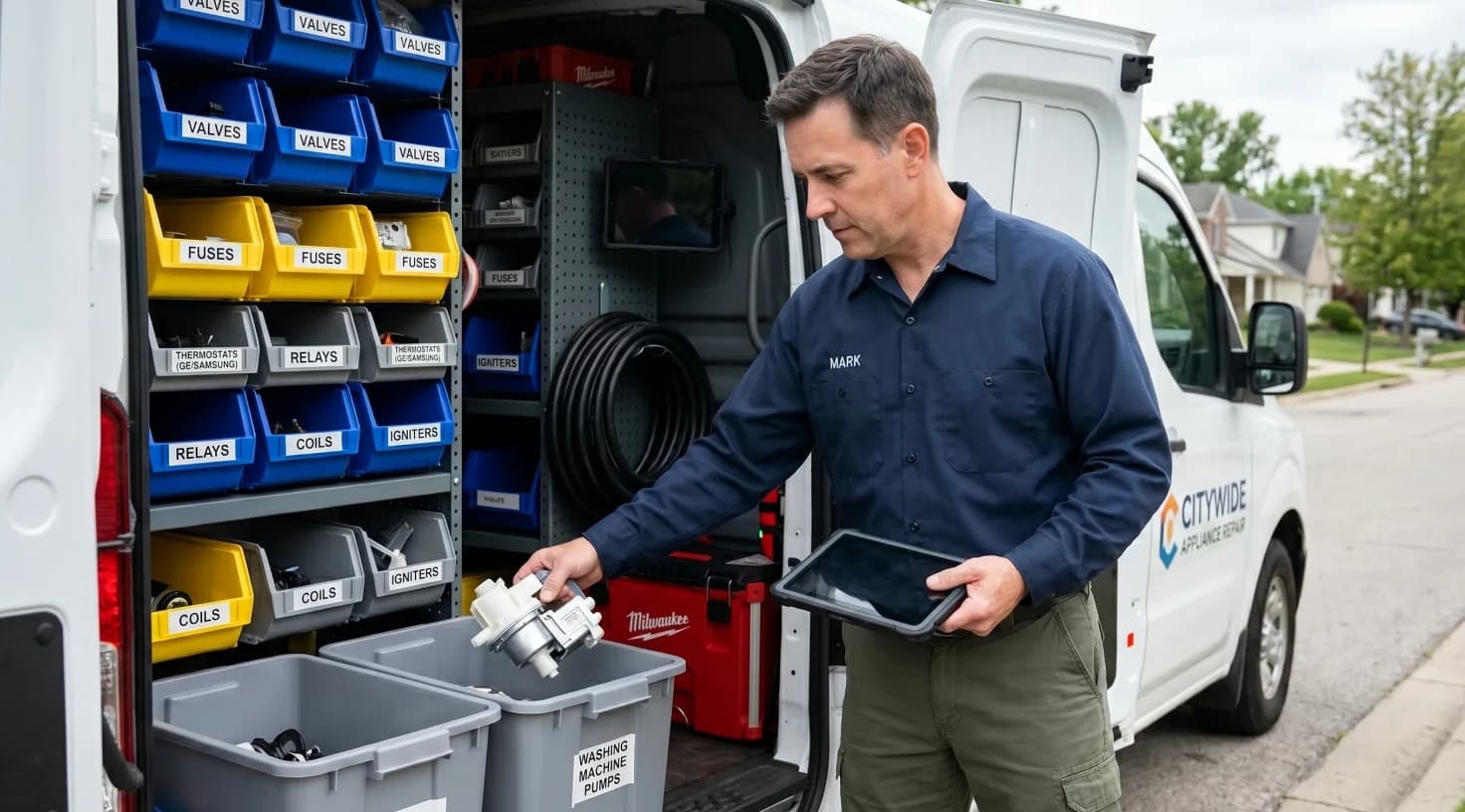
How to manage field service inventory in appliance repair
Effective inventory management ensures technicians have the right parts on their trucks. Consequently, you can avoid return trips that waste both time and fuel. Professional software links your stock directly to jobs. For instance, when scheduling a stove repair, the system automatically checks for common parts like igniters or thermostats.
Integrating inventory with job tracking
Step-by-step implementation: Maintain a digital catalog of parts and update truck inventories in real-time via mobile scans. Before dispatching a technician, the system should flag any shortages. This process prompts immediate restocks or allows you to find alternatives.
Tracking parts usage and reordering
After completing a job, technicians should log used parts to deplete inventory automatically. Furthermore, you can set up low-stock alerts to trigger reorders. This automation allows for seamless procurement by integrating your system directly with suppliers.
Key benefits: You can reduce carrying costs by optimizing truck loads. As a result, you only stock high-demand items like washer belts and can analyze usage patterns to predict needs during busy seasons.
Inventory challenge | Software solution | Impact on tracking |
Overstocking trucks | Job-specific kits | Reduces prep time and improves efficiency |
Parts shortages | Auto-alerts | Prevents delays and enhances status accuracy |
Usage tracking | Scan logs | Provides critical data for better forecasting |
This integration ties directly into your overall job tracking. Ultimately, accurate inventory data informs every status update, such as automatically escalating a job to "parts ordered" when needed.
Why Workiz stands out for appliance repair professionals
For field service pros, Workiz emerges as a reliable partner in tackling tracking headaches. Specifically, it offers intuitive tools tailored to the demands of US-based operations managing multi-tech crews. Instead of playing “phone tag,” your office can use a centralized Scheduling & Dispatching board to drag jobs to technicians based on their location, skills, and availability.
Streamlining dispatch workflows
Implementation strategy: To maximize efficiency, you can use color-coding for different job types. For instance, mark emergencies like leaking dishwashers in red to ensure immediate attention. During peak hours, Workiz allows you to batch similar jobs geographically. Consequently, you cut travel time significantly and maintain a balanced workload across your entire team.
How Workiz transforms your operations:
Real-time visibility: Use the Mobile App for instant status updates and Location Tracking to monitor your team in real-time.
Financial control: Issue professional invoices via Invoicing and get paid on-site with Online Payments.
Inventory mastery: Sync truck stock with active jobs through Inventory Management to ensure parts are always ready.
Business intelligence: Analyze technician performance and profitability with Advanced Reporting.
Ultimately, as a comprehensive service business management solution, Workiz helps owners focus on growth rather than guesswork. It is the ideal choice for professionalizing your workflow and ensuring that no job slips through the cracks, even during the busiest seasons.
Best practices for implementing job tracking software
Successful adoption hinges on effective training. Specifically, you should start with hands-on sessions where you show technicians how to update statuses via the app and teach dispatchers how to monitor dashboards. For inventory management, a quick demo of the scanning feature helps build consistent habits.
Measuring ROI and continuous improvement
To see the real impact, you must track metrics both before and after implementation. For instance, monitor the reduction in missed appointments, time saved on administration, and total revenue per technician. Furthermore, you should adjust your workflows based on this data to ensure the software evolves with your business.
To maintain long-term success, focus on these key areas:
Ultimately, for US business owners, compliance features like audit trails for warranties add significant value. As a result, these tools protect your company against potential liabilities and ensure long-term stability.
Transforming your appliance repair business with efficient tracking
Efficient job tracking acts as the backbone of a thriving appliance repair business, especially for US-based owners managing multi-tech crews. By leveraging software with real-time status updates, GPS tracking, and inventory integration, you gain unparalleled visibility into your operations. Specifically, these service business management solutions do more than just reduce missed appointments. Ultimately, they optimize your entire workflow, ensuring parts are available and schedules remain tight even during peak hours.
Throughout this guide, we have covered the essential steps to professionalize your team. For instance, automating workflows and analyzing performance helps you identify growth opportunities that manual logs simply cannot provide. Furthermore, as the industry evolves with smarter homes and on-demand services, investing in the best software for managing service technicians positions your business for future success.
Consequently, adopting these digital tools leads to fewer administrative headaches, happier customers, and sustainable growth. Take the first step toward automation today, as the efficiency gains will quickly speak for themselves.