How to manage a locksmith business efficiently
Growing locksmith teams often face a perfect storm of operational hurdles. Emergency calls flood in at odd hours, pulling resources in multiple directions without a clear system for prioritization. Furthermore, manual scheduling via phone or paper leads to double-bookings and delayed responses. This chaotic approach inevitably frustrates customers who expect 24/7 availability. Technician tracking also becomes guesswork when owners rely on periodic check-ins rather than real-time visibility, which hampers both efficiency and safety.
Common pain points for growing teams
For teams scaling beyond solo operations, these issues compound:
Emergency Lockout Dispatching Overload: Handling urgent requests like car lockouts or home evictions without automated triage means technicians become reactive, not proactive. Consequently, this leads to burnout and revenue loss from unassigned jobs or missed service level agreements (SLAs).
Inventory Mismanagement: Tracking key blanks, cylinders, and tools manually results in stockouts during critical jobs. These errors force costly last-minute runs to suppliers, which directly slashes profit margins.
Scaling Revenue Barriers: Without an integrated CRM, follow-ups on master key system installations or recurring commercial contracts fall through the cracks. This stunting of growth often stems from a lack of technician accountability.
Customer Experience Gaps: High no-show rates and a lack of updates erode trust, especially in a service where reliability is paramount.
According to the Associated Locksmiths of America (ALOA), businesses with automated systems report up to 30% faster response times. Yet, many owners stick to outdated methods because they fear the learning curve. As a result, this guide demystifies the shift, showing how professional tools address these challenges head-on.
Importance of professional dispatching and scheduling
In 2026, thriving locksmith businesses treat dispatching as the nerve center of operations. Specifically, professional dispatching assigns jobs based on technician skills, location, and availability. This approach minimizes travel time and maximizes billable hours. For owners managing growing teams, this means turning potential chaos into coordinated efficiency. Consequently, it directly impacts customer satisfaction and your bottom-line revenue.
Digital solutions for service dispatching: why it drives growth
Efficient dispatching significantly reduces downtime and improves job completion rates. By integrating real-time locksmith inventory tracking, the system ensures technicians arrive fully prepared with the right key blanks or cylinders. As a result, you get faster job completions, higher upsell opportunities for master key system management, and a reputation that attracts repeat business.
Impact of professional vs. manual dispatching
To understand the financial impact of these changes, consider the operational differences between outdated methods and modern automation. The following table highlights how professional systems transform key performance metrics for locksmith businesses:
Aspect | Manual Dispatching | Professional Automated Dispatching |
Response Time | 15-30 minutes | Under 5 minutes |
Technician Utilization | 60-70% | 85-95% |
Customer Satisfaction | Variable, prone to delays | High, with real-time updates |
Revenue Scaling | Limited by errors | Enabled by data insights |
This table illustrates the tangible benefits of automation. Overall, investing in robust systems is essential for locksmiths aiming to expand their operations.
What features should locksmith dispatch software have?
When evaluating software, you must prioritize tools tailored to the unique demands of emergency services. For growing teams, the right platform integrates dispatching, scheduling, and operations into a single system. This integration eliminates silos and boosts overall productivity. Specifically, you should focus on features that support real-time decision-making and automation.
Core dispatching capabilities
At the heart of the system is intelligent job assignment. Software should allow drag-and-drop scheduling on interactive calendars. Furthermore, it should offer automatic assignment based on technician proximity and expertise. To maximize this efficiency, professional platforms include:
Furthermore, GPS technician tracking provides live maps with real-time ETAs, enabling instant rerouting to avoid traffic and ensure accuracy through Google Maps integration.
Communication and notification tools
Built-in VoIP phone systems for locksmiths streamline calls directly from the dashboard, including call recording for quality control. Specifically, this captures vital details on master key system management requests, aiding training and dispute resolution. Automated notifications also update clients on technician arrival, significantly reducing anxiety during lockouts.
Integrated business management features
To ensure seamless operations, your platform should sync with a locksmith CRM for instant access to client history. Additionally, look for the following integrated tools:
Mobile Payment Processing: Close jobs instantly in the field to improve cash flow.
Automated Review Requests: Build your online reputation on autopilot after every job.
Real-time Inventory Tracking: Monitor key blanks and cylinders to avoid stockouts.
These tools ensure every interaction contributes to growth, from quoting rekeying services to tracking stock levels. Specifically, industry reports on Field Service Management highlight how such integrations drive overall business efficiency.
Scheduling goes beyond calendars
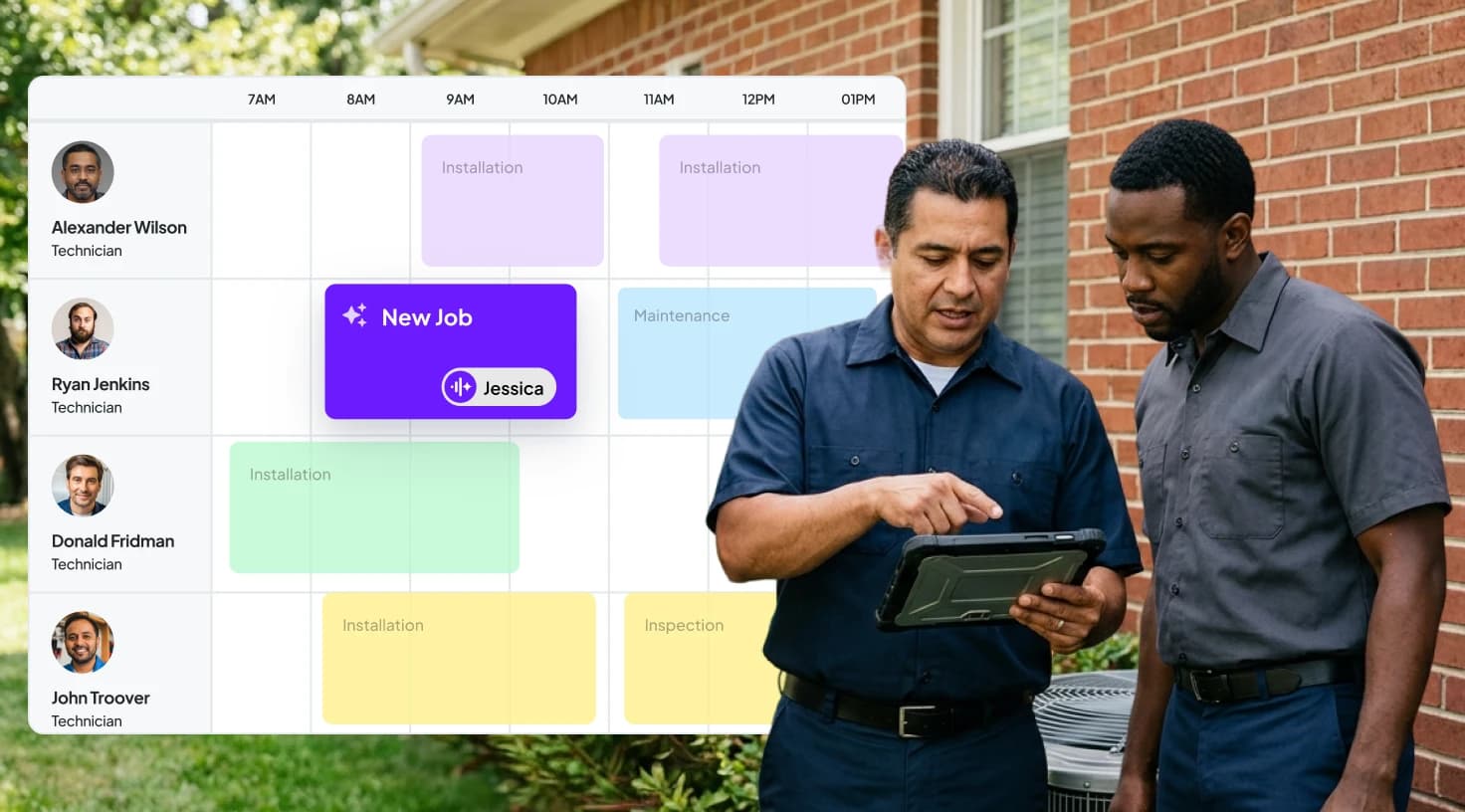
Instead, it focuses on predictive planning. With GPS technician tracking, dispatchers can route teams optimally. This coordination cuts fuel costs by 20-25% according to industry benchmarks from MarketsandMarkets. For growing teams, this professional approach scales seamlessly. It allows owners to focus on strategic growth rather than firefighting daily crises. Ultimately, this transition helps move your operations from fragmented tools to a unified platform where timing and coordination are everything.
How to manage a locksmith business efficiently
Efficient management starts with selecting software that automates routine tasks. This process frees your team for high-value work and strategic growth. To transition smoothly, follow this step-by-step guide:
Assess current processes
Audit your manual workflows. Track the time spent on scheduling calls versus actual jobs to quantify inefficiencies.
Choose scalable software
Opt for cloud-based systems with mobile apps. This ensures technicians have on-the-go access to job details and inventory updates.
Train your team
Roll out the new system in phases. Start with basic dispatching, then layer in features like locksmith inventory tracking for key blanks and cylinders.
Monitor and optimize
Use built-in analytics to refine routes. Measure response times and adjust your strategy for peak emergency periods.
This phased approach minimizes disruption. For example, integrating GPS technician tracking early can reveal underutilized routes. Consequently, this allows for better coordination of mobile key-cutting units.
Benefits for emergency response
In locksmithing, 60% of calls are emergencies according to ALOA data. In such a high-pressure environment, digital tools shine. Automated alerts ensure no job slips through the cracks. Additionally, real-time inventory checks prevent delays in master key system management projects. Owners often report a 25% revenue increase after implementation. As a result, freed-up time enables team expansion and more aggressive marketing.
Locksmith-specific management tools and best practices
Beyond general dispatching, locksmith business management software must address industry nuances. Specifically, it should handle diverse hardware like high-security cylinders and manage complex commercial contracts. These specialized features ensure both compliance and operational precision.
Inventory and asset management
Locksmith inventory tracking is non-negotiable for growing teams. Effective software tracks key blanks, cylinders, and tools across all vehicles and the shop. Furthermore, it provides low-stock alerts to prevent costly job halts. To improve mobile key-cutting unit coordination, you should integrate barcode scanning. This allows for quick audits and reduces errors in high-volume environments.
Master Key System Management: Digital blueprints and access logs streamline installations. Additionally, the system should provide scheduling reminders for regular maintenance visits.
Hardware Compatibility Databases: Built-in libraries match customer needs to your current stock. This automation speeds up both quotes and dispatches.
Compliance and safety features
Professional software supports call recording for quality control. Consequently, this documents interactions for liability protection, which is vital during disputes over lock installations. GPS tracking also enhances safety by allowing a quick response to any technician incidents.
Overall, these tools create a safer and more efficient workplace. For more insights, the International Association of Certified Home Inspectors (IAC2) offers valuable resources on tool management that are easily adaptable to locksmith operations.
Optimizing daily operations with integrated tools
Professional operations hinge on interconnected tools that enhance every touchpoint. For locksmiths, this means leveraging built-in VoIP phone systems to centralize communications. Additionally, integrating these calls with a CRM ensures personalized service for every client.
Analytics for continuous improvement
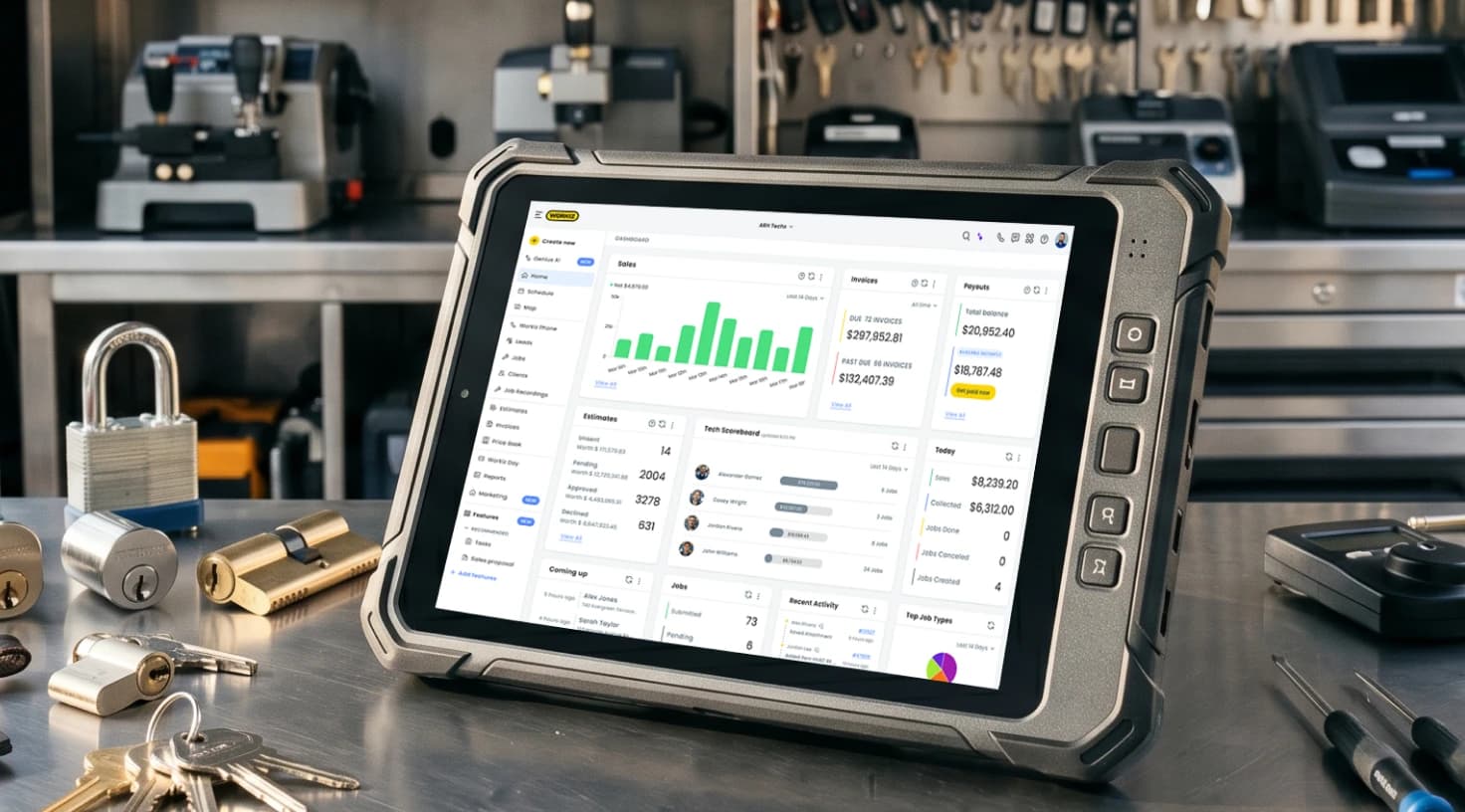
Robust software provides dashboards for tracking KPIs, such as average job time and technician efficiency. Use these insights to refine your emergency lockout dispatching protocols. This ensures your growing team stays ahead of demand spikes.
To help you measure success, we have outlined the key operational metrics every modern locksmith should monitor:
Metric | Target for Growing Teams | Software Role |
Average Dispatch Time | < 5 minutes | Automated queuing |
No-Show Rate | < 10% | SMS reminders |
Inventory Accuracy | 95%+ | Real-time tracking |
Revenue per Technician | $150+/hour | GPS optimization |
Enhancing customer interactions
Professional digital tools keep customers informed from dispatch confirmation to job completion. Moreover, you should pair this communication with mobile payment processing in the field. Accepting cards on-site via technician apps accelerates cash flow and reduces admin backlogs.
You can also significantly reduce "no-show" rates. Specifically, use pre-arrival reminders and easy rescheduling options to keep your calendar full. Finally, automated review requests for locksmiths help build your Google and Yelp profiles organically after every successful job.
Leveraging automation for business growth
Automation isn't just an operational tool—it is a powerful growth engine. A dedicated locksmith CRM integrates client data to identify patterns in customer needs. For growing teams, scaling means capturing more market share through efficient resource allocation and proactive service offerings.
Revenue scaling tactics
Use dispatching insights to identify peak demand periods and staff your team accordingly to handle surges. This data-driven approach ensures you never miss a high-value call due to poor scheduling. Furthermore, focus on the following growth-oriented features:
Upsell Opportunities: Software flags jobs ripe for add-ons, such as high-security cylinder upgrades. This can increase average ticket values by 15-20%.
Marketing Integration: Sync your data with email tools for follow-ups on inventory-tracked items. This process helps nurture leads and turn them into long-term contracts.
For growth-focused owners, these tools transform a reactive business into a proactive one. Understanding your earning potential is crucial for setting realistic targets; you can compare these projections with current industry standards in this average locksmith salary guide.
The following chart illustrates the projected revenue growth for a team of three technicians as they transition to fully automated operations over a four-month period:
Consequently, aligning your operations with 2026's emphasis on data-driven services ensures long-term scalability. This growth reflects the cumulative impact of optimized routing, higher average tickets, and improved customer retention.
Why Workiz stands out for locksmith professionals
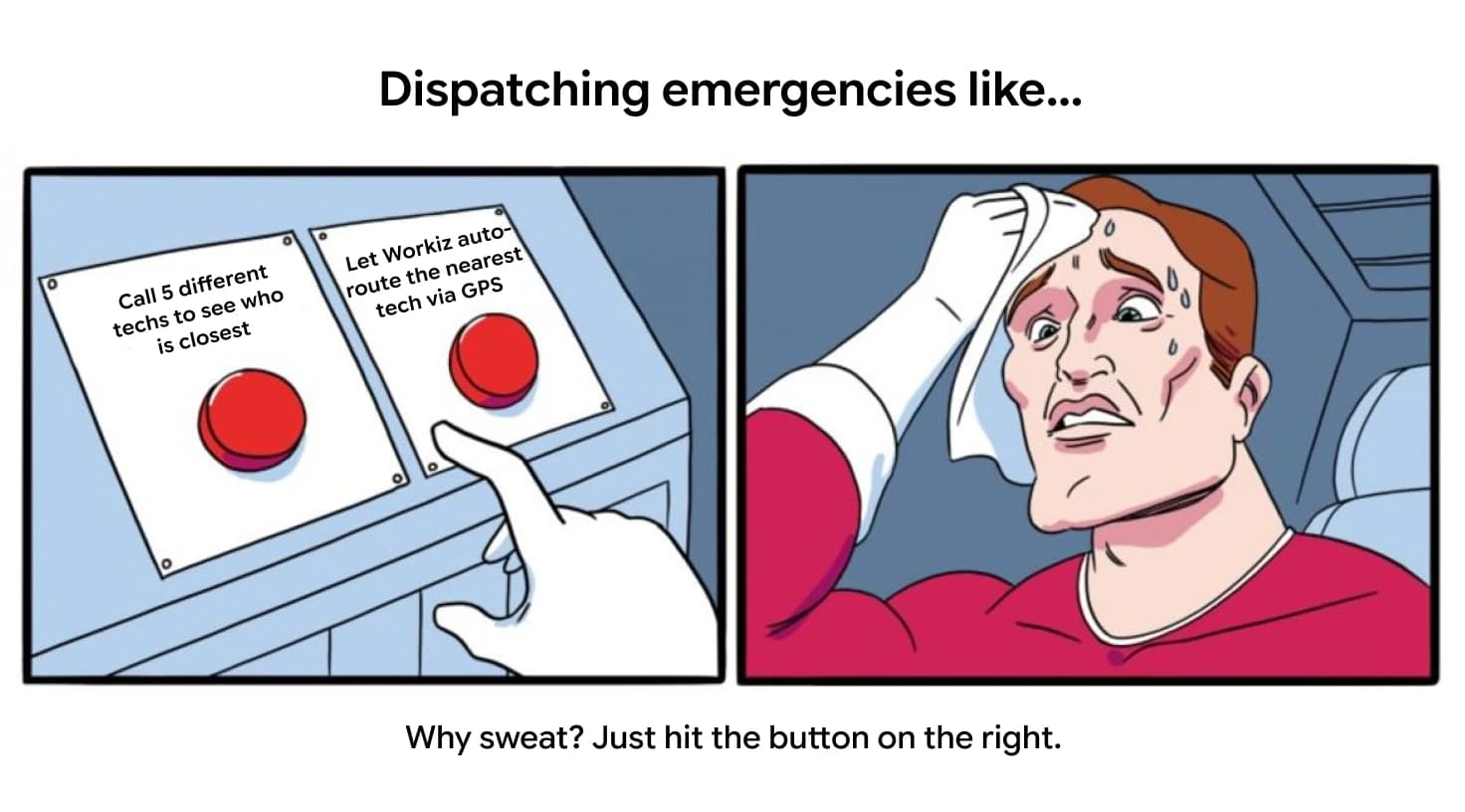
Workiz is designed specifically for field service pros. It offers an all-in-one platform that tackles the unique challenges of emergency dispatching and team coordination. For growing teams, Workiz empowers owners to streamline operations without the hassle of switching between multiple apps.
Transform your workflow today
Tailored for locksmith-specific needs like master key management and mobile key-cutting coordination, Workiz is the go-to solution for scaling in 2026. Ultimately, it allows you to focus on your craft while the software handles the logistics.
Real-world applications: Success stories in locksmith management
While data highlights the potential for growth, real-world experience confirms it. Consider the journey of Wayne Winton, owner of Tri-County Locksmith Service. Like many business owners, Wayne preferred working with his hands over drowning in redundant administrative paperwork.
Expert Spotlight: From paperwork to productivity
By transitioning to a professional management platform, Wayne was able to eliminate the "office things" that slow down growth. Specifically, he found that the system was built "by locksmiths, for locksmiths," making it scalable for anyone—from a one-person van to a fleet of 15 trucks.
It's like having an operations manager or an office person in your company without the salary. — Wayne Winton
Key takeaways from implementation
Wayne's experience highlights a crucial shift: since adapting the program, he has saved thousands of hours in administrative time. This allows him to focus on field operations rather than office management. Consequently, his story mirrors the results of other mid-sized firms that have achieved measurable results:
Operational Efficiency: One US firm cut response times from 20 to 4 minutes by using GPS tracking to optimize routes across urban sprawl.
Revenue Growth: Another team used CRM features for master key tracking, securing recurring commercial contracts worth 30% more revenue.
Reputation Building: Automated reviews post-job elevated their online ratings, attracting premium leads and reducing service delays by 15%.
For more industry-wide case studies and benchmarks, refer to the ALOA's annual reports.
Conclusion: Building a future-proof locksmith business
Mastering professional locksmith management is the key to unlocking growth in 2026. By focusing on efficient dispatching, smart scheduling, and optimized operations, owners of growing teams can reduce inefficiencies and scale revenue sustainably. Addressing challenges like emergency lockout dispatching with digital solutions ensures a superior customer experience.
Specifically, features like GPS-enabled routing, automated notifications, and specialized inventory management form the backbone of modern field service standards. As a result, businesses that invest in these digital foundations now will lead the pack, turning chaotic days into profitable, predictable operations.
Ultimately, as AI and automation continue to evolve, staying ahead of the curve is no longer optional. Embrace these strategies, explore tailored platforms like Workiz, and watch your locksmith business thrive in an increasingly competitive landscape.